My Phone Doesn't Suggest a New Wi-Fi Network to Connect to
 Introduction Step 1 Navigate to Wi-Fi Control Application Settings Step 2 Find JoinNow and enable Allow App to control Wi-Fi Step 3 Open JoinNow App and Configure your Device
 Introduction
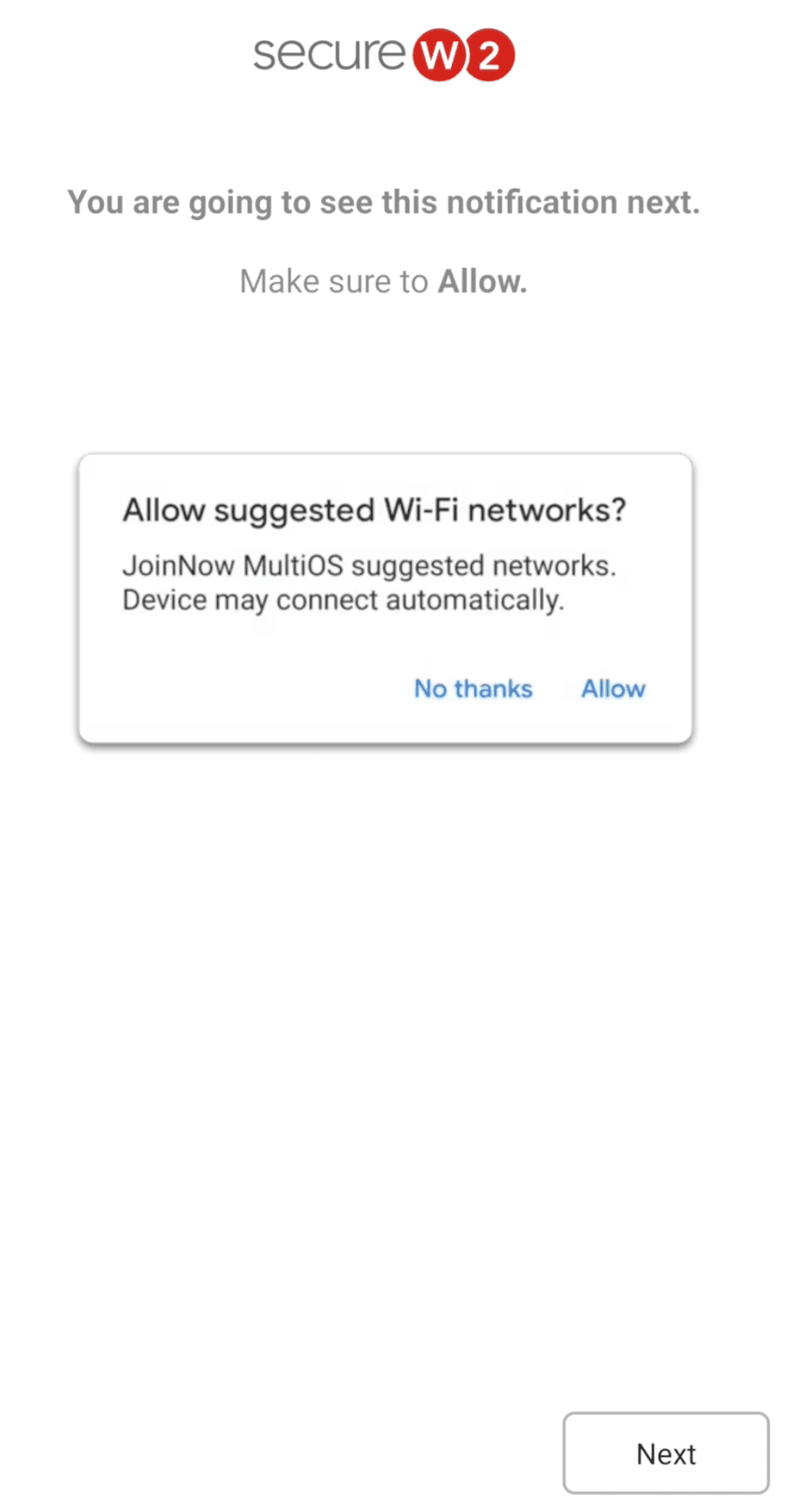
On select Android devices, you will be prompted to “Allow” JoinNow to “Allow suggested Wi-Fi networks”. If you press “No thanks” instead, JoinNow will not be able to configure your device for Wi-Fi, unless we enable a specific system setting in Android. Please follow these steps to enable that setting.
Navigate to Wi-Fi Control Application Settings
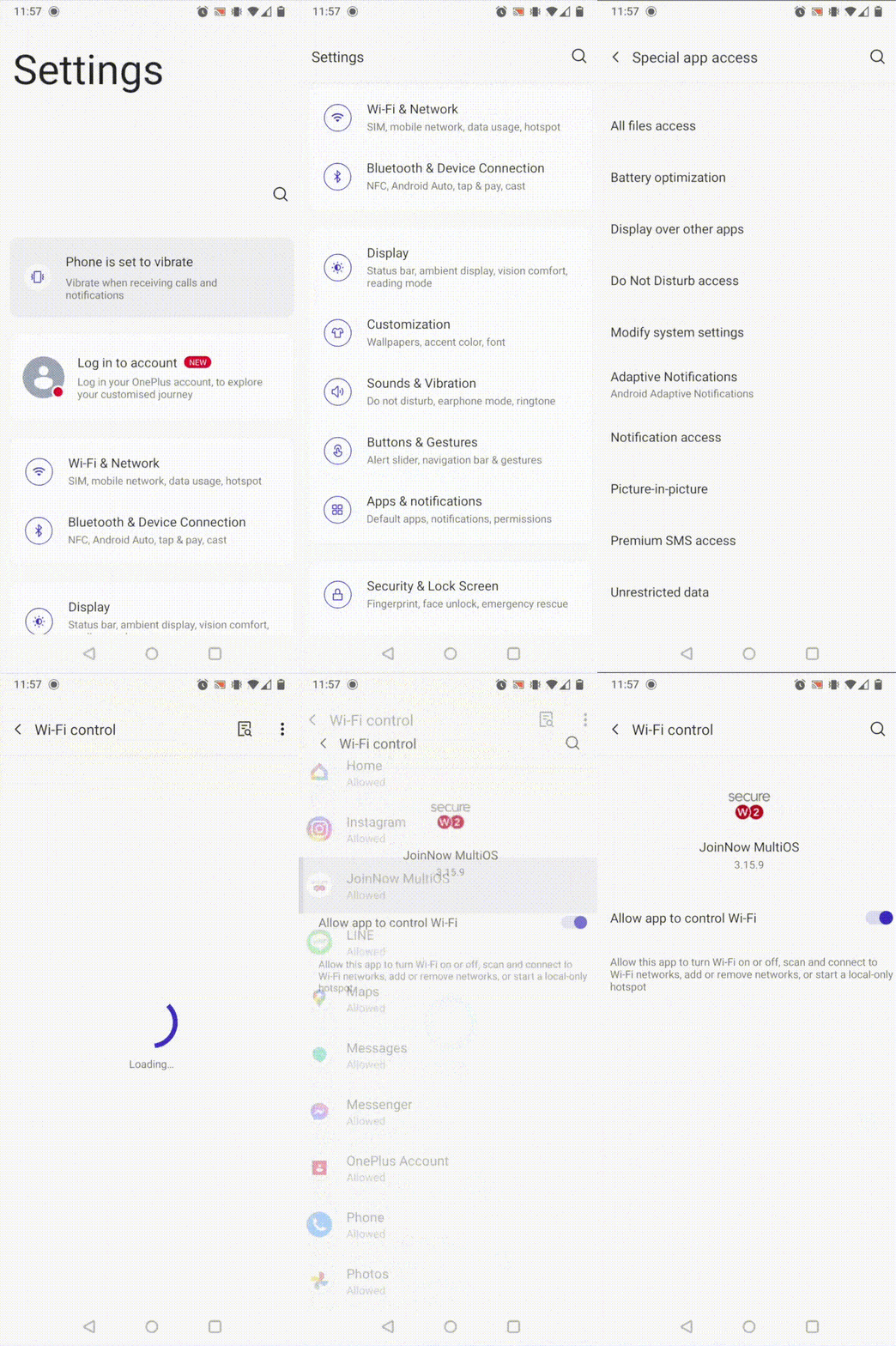
Samsung: Settings → Apps → Three dots in right corner → Special Access → Wi-Fi Control
Pixel: Settings → Apps & Notifications → Advanced → Permissions Manager → Special App Access → Wi-Fi Control
LG: Settings → Apps → Special Access → Wi-Fi Control
Find JoinNow and enable Allow App to control Wi-Fi
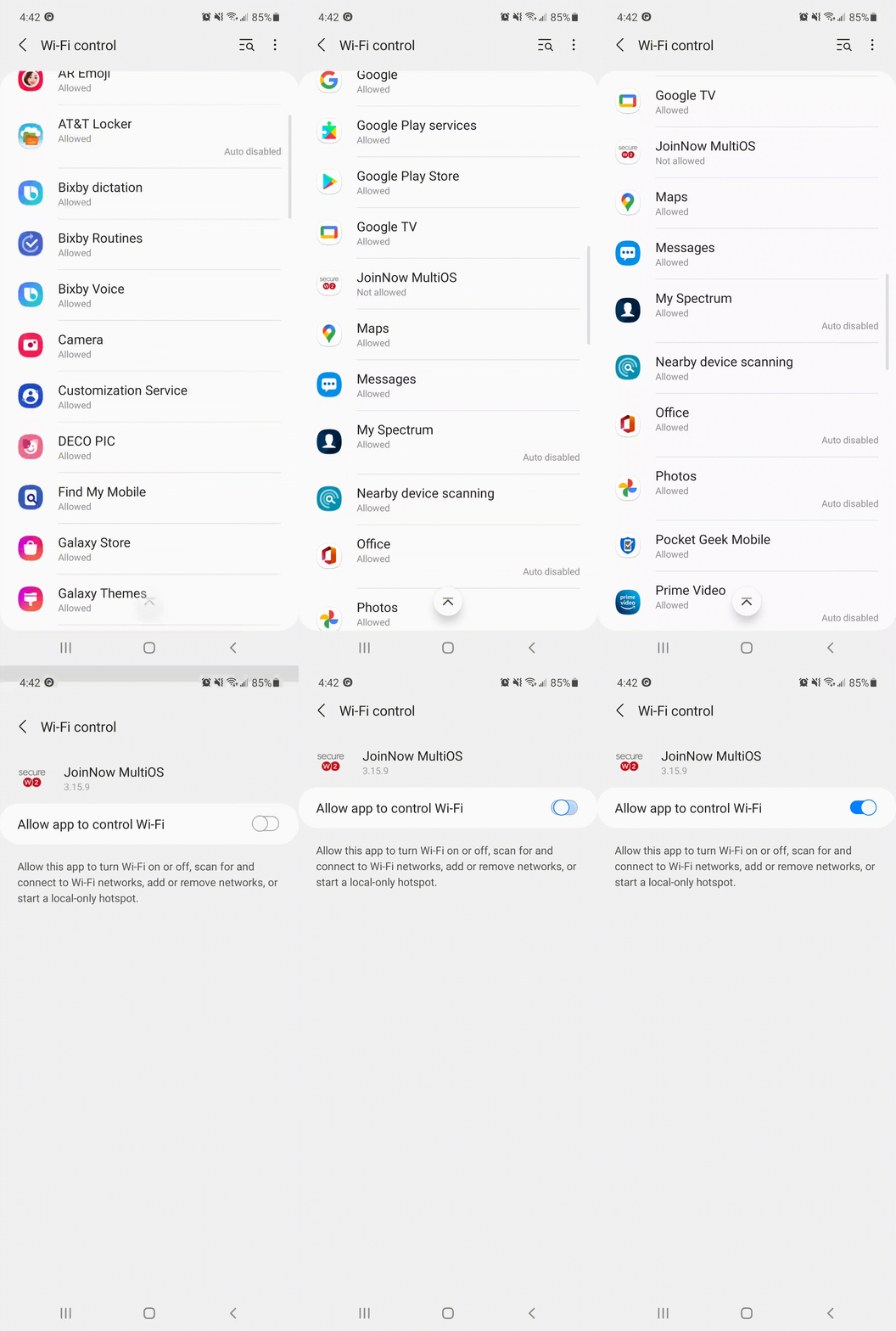
Find the JoinNow App, and enable permissions to “Allow App to Control Wi-Fi”. This is important, because without these permissions, JoinNow would not be able to connect your device to the secure Wi-Fi network.
Open JoinNow App and Configure your Device
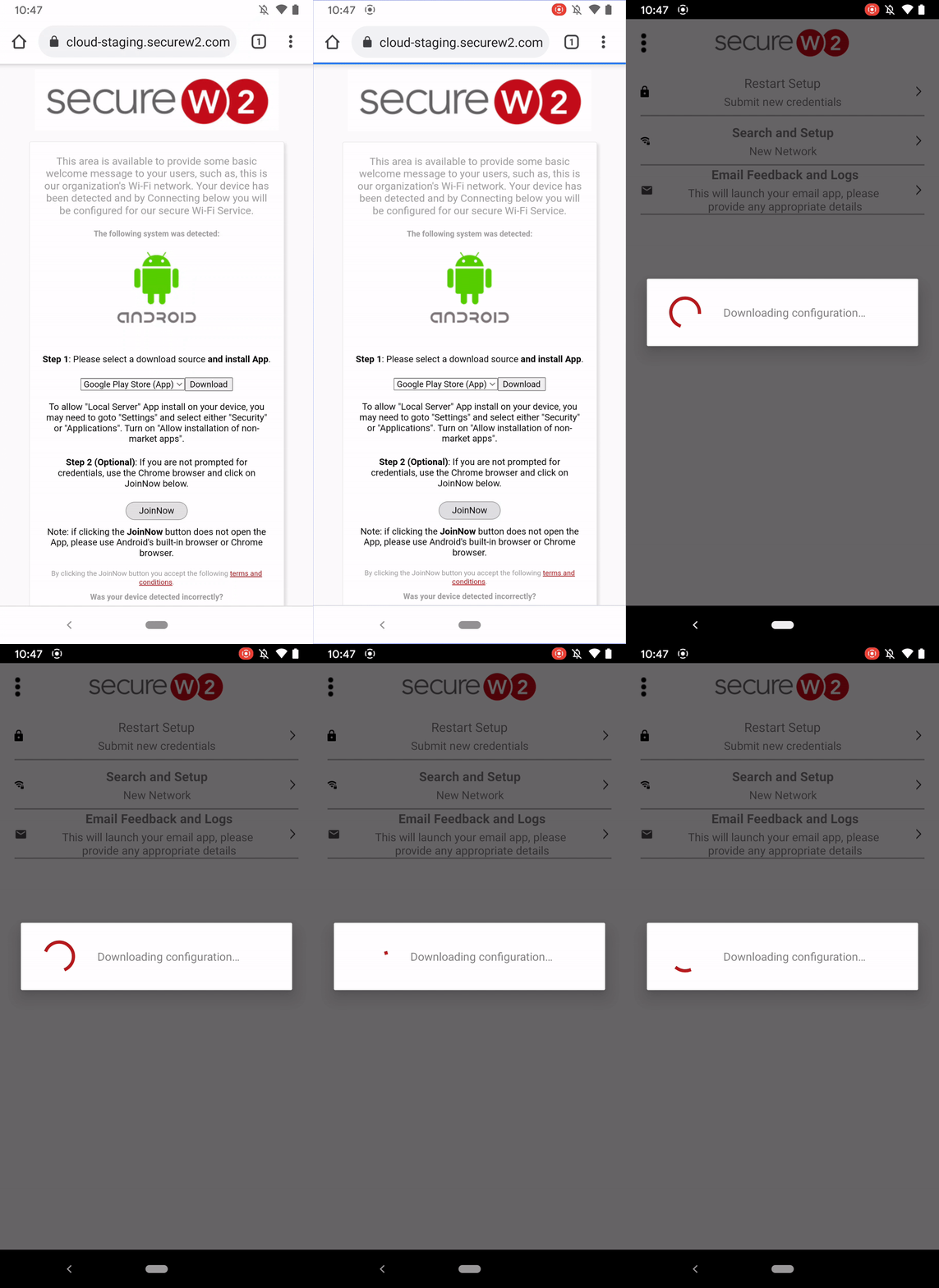
Once it has the right permissions, the JoinNow app can now configure your Wi-Fi. Please go back to the JoinNow App and start configuring your device from the beginning.
Note: If your app opens to the Home screen, press Restart Setup to start configuring your device from the beginning.