Allow Application to Enable Wi-Fi
 Step 1 Navigate to Wi-Fi Control Application Settings Step 2 Find JoinNow and enable “Allow App to control Wi-Fi” Step 3 Restart JoinNow
 Navigate to Wi-Fi Control Application Settings
Navigate to Settings → Apps & Notifications → Special App Access → Wi-Fi Control.

Find JoinNow and enable “Allow App to control Wi-Fi”
Find the Join Now App and enable permissions to “Allow App to Control Wi-Fi”. This is important, because without these permissions, JoinNow would not be able to connect your device to the configured your Wi-Fi.

Restart JoinNow
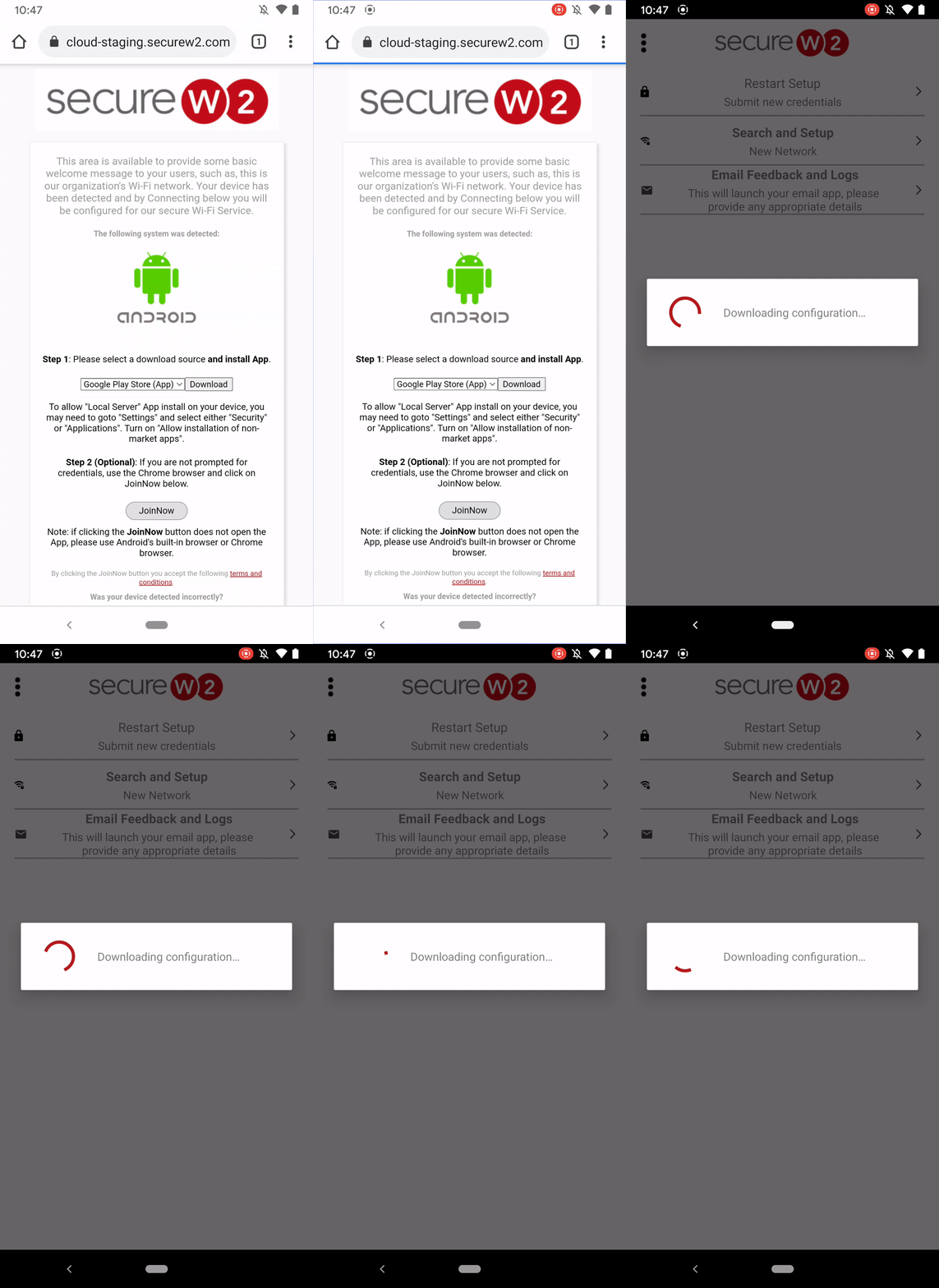
Once it has the right permissions, the JoinNow app can now configure your Wi-Fi. Please restart the JoinNow configuration process again so the app can configure your Wi-Fi.